
We1Win Casino Login and Account Access
The login button sits in the top right corner of every page. You need the username you chose at registration and your password; Google sign in works as an alternative if you set the account up that way.
Signing in takes under half a minute and opens the cashier, the bonus list, your bet history and the full table selection. The rest of the platform is mapped on the We1Win Malaysia site.
Daily rebate
Waiting in your account
How to Sign In From the Website
Four steps and a window that opens over the page you are already on.
Open the login window
Tap Login in the top right corner. The window appears over the current page, so you do not lose your place in the lobby.

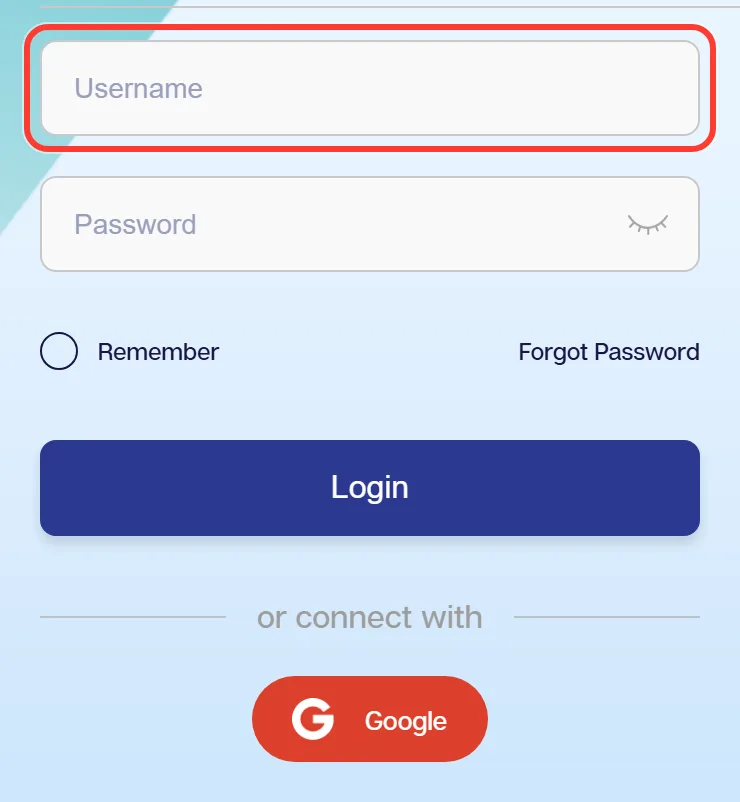
Enter your username
The username you chose when the account was created, not your email or phone number. If it has slipped your mind, recovery works from the phone number attached to the account.
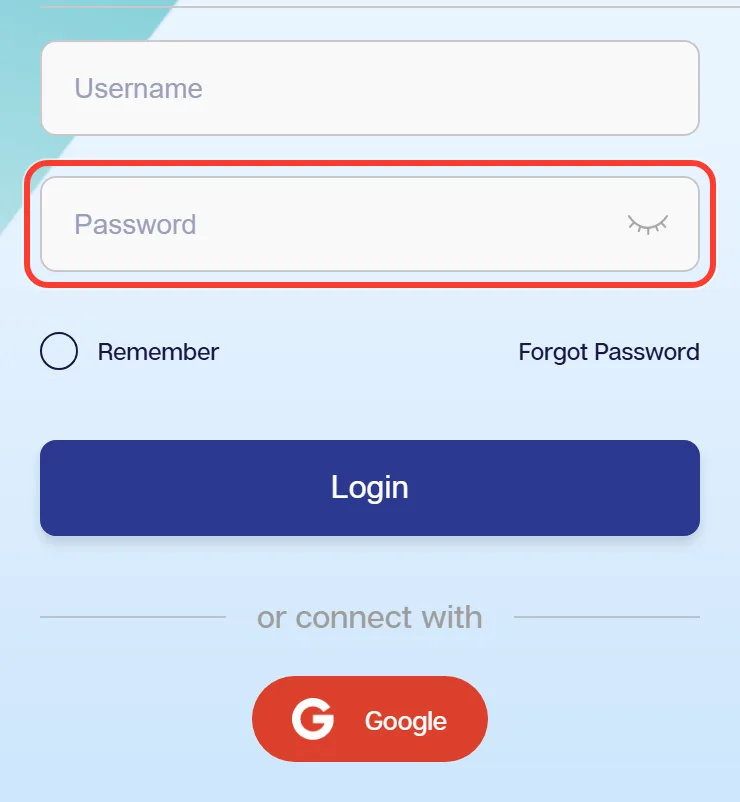
Enter your password
Type the password, using the eye icon to check it if the keyboard is fighting you. Tick the remember option only on a device that is yours alone.
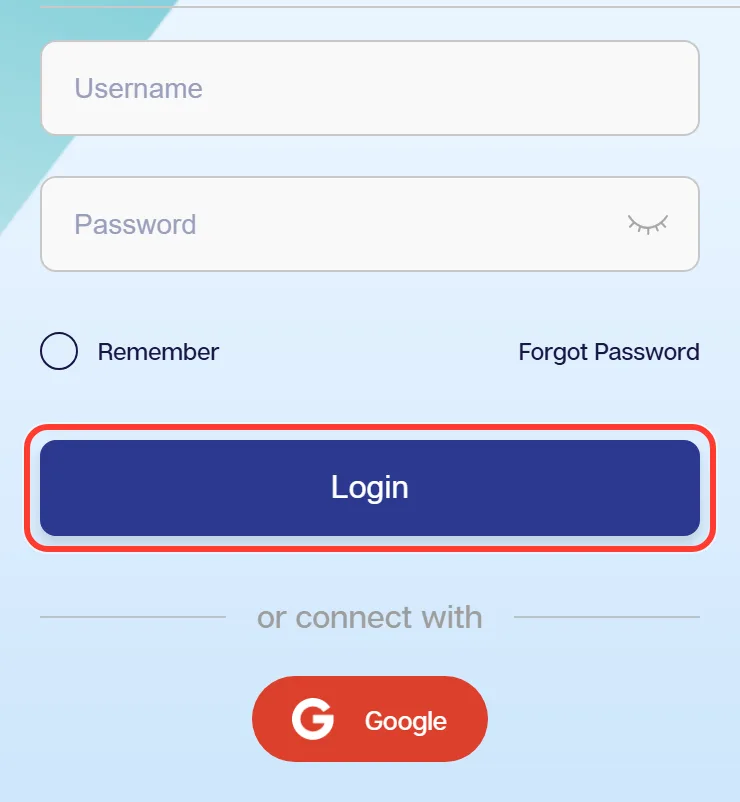
Confirm and enter the account
Press the login button. You land back on the page you started from, now signed in, with the cashier and the full table list available.
We1Win App Login on Android and iPhone
One account covers the website and both mobile clients. There is nothing separate to create, and the balance, bonuses and history are identical wherever you sign in from.
The practical difference is that the app keeps the session open between visits, so day to day you tap the icon and you are in. The website asks again more often, particularly if you clear browser data. Sessions end when you sign out, when you sign in on another device or after a long idle period.
Google sign in is available in the app as well, provided the account was created that way. Installation for both systems is covered on the install the mobile client page.
Forgot Password or Blocked Account
Four situations cover almost every failed login.
- Forgotten password. Use the recovery link inside the login window. It works from the phone number attached at registration, which is why a real number matters.
- Username not recognised. Check you are not typing your email instead. If the username itself is lost, support can identify the account from the linked details.
- Account inactive after a long gap. Long dormant accounts sometimes need a check before they reopen. Chat handles that.
- Captcha keeps failing. Refresh the image and retype it, watching the case. Repeated failures usually mean an autofill extension is filling the field.
Timescales for anything support has to unlock are not published, so ask in the support chat rather than waiting.
Keeping Your Account Safe
Most compromised accounts are not hacked, they are handed over. The pattern is always the same: a link arrives in a chat, the page looks right, the login is typed in and the credentials go somewhere else entirely.
- Reach the site from your own bookmark rather than a forwarded link.
- Check the address character by character before typing a password.
- Never share the password, and never repeat it from another site.
- Sign out on any device that is not yours.
- Nobody from support will ever ask for your password. Ever.
The current verified addresses and the signs of a copy are kept on the list of working addresses.
What Opens Up After You Sign In
Signed out, the site is a catalogue. Signed in, it is an account.
The cashier appears for deposits and withdrawals, the full live table list unlocks, bonuses become claimable rather than just readable, the daily rebate starts counting your turnover, and bet and transaction history become available for checking. The chat button also switches from general questions to account specific help.
One reminder that saves time later: link your real name, phone and bank details in the member area on the first visit. Bonuses stay locked and payouts will not clear until that is done. Deposit channels are compared on the payment methods page.
FAQ
What do I need to sign in to my account?
The username you chose at registration and your password. Google sign in is available if the account was created that way.
Can I use a Google account instead of a password?
Yes, if you registered through Google. The option sits under the standard fields in the login window on both the site and the app.
Can I stay signed in on two devices at once?
Generally yes, though signing in elsewhere can end an older session. Anything unexpected is worth checking in transaction history.
What should I do if the password reset link does not arrive?
Check that the phone number attached to the account is the one you still use, then contact live chat, who can identify the account from the linked details.
Why does the site ask for a captcha again?
Repeated failed attempts or an unusual connection trigger it. Refresh the image and type the code manually, since autofill tools often break this field.
Do I need to sign in to claim a rebate?
The rebate is credited automatically on turnover, so nothing is claimed. You do need to sign in to see it and to use it.
How do I sign out safely on a shared phone?
Use the sign out option in the account menu rather than just closing the tab, and leave the remember option unticked on any device that is not yours.
No Account Yet?
If you have landed here without an account, the form takes about three minutes and asks for six fields. It is free, and no deposit is needed to finish it. The walkthrough with screenshots is on the registration page.
Updated: